
Hyundai Tucson: Smart Parking Assist System (SPAS) / Smart Parking Assist System Unit Repair procedures
Hyundai Tucson (LM) 2010-2015 Service Manual / Body Electrical System / Smart Parking Assist System (SPAS) / Smart Parking Assist System Unit Repair procedures
| Removal |
|

| 1. |
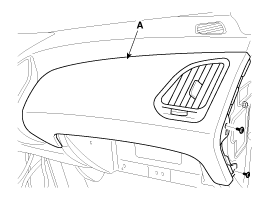
Using a screwdriver or remover, then remove the crash pad passenger panel (A).
(Refer to the BD group - "Crash pad")
|
| 2. |
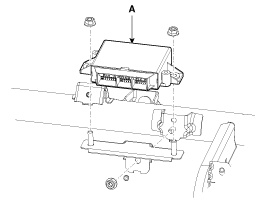
Remove the SPAS unit (A) after removing the nuts (2EA) and disconnecting the connectors.
|
| Installation |
| 1. |
Connect the connectors and install the SPAS unit (A). |
| 2. |
Install the crash pad passenger panel. |
| Inspection |
| 1. |
The SPAS (Smart Parking Assist System) can diagnose by using the GDS more quickly.
The SPAS communicates with the GDS and then reads the input/output value and drives the actuator. |
| 2. |
To diagnose the SPAS (Smart Parking Assist System) function, select the menu of model and SPAS. |
| 3. |
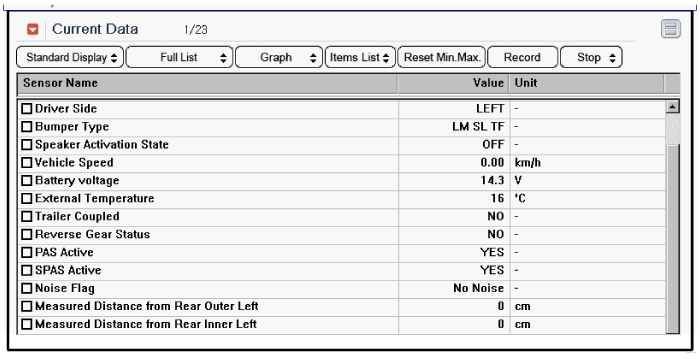
To consult the present input/output value of SPAS, "Current DATA". It provides information of SPAS input/output conditions.
|
| 4. |
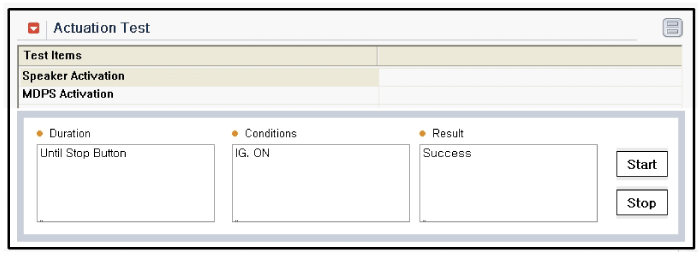
To perform compulsory operation on SPAS input factors, select "ACTUATION TEST".
|
| 5. |
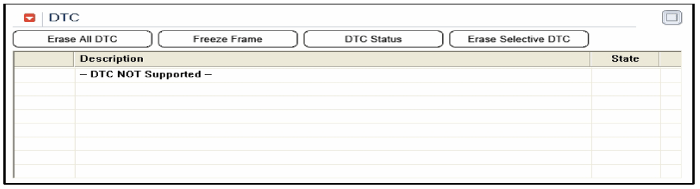
To check the DTC of the each module, select "DIAGNOSTIC TROUBLE CODES"
|
| 6. |
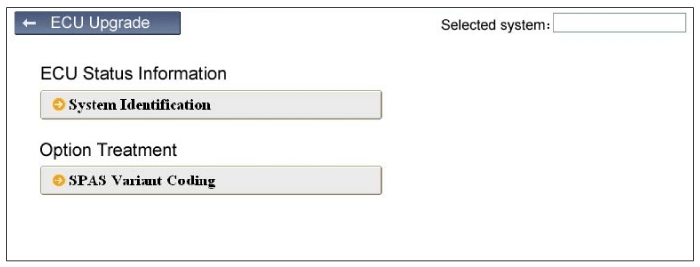
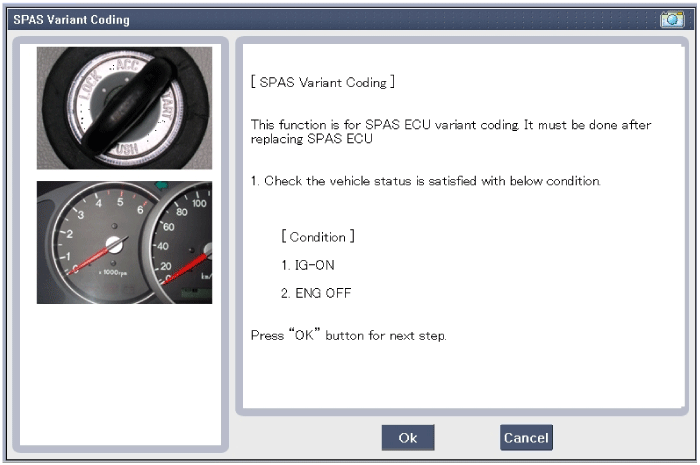
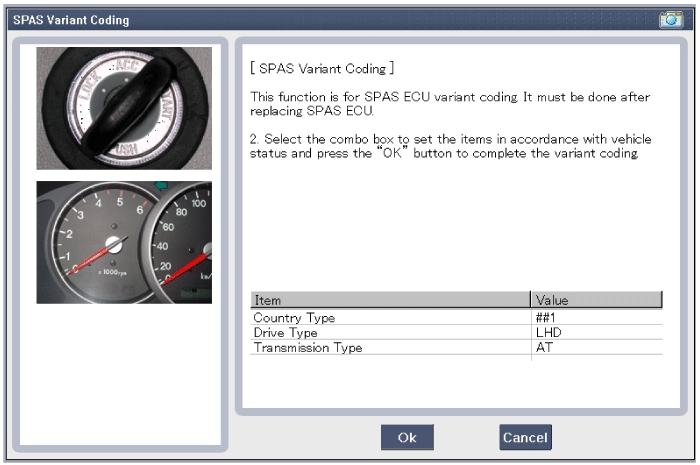
After replacing the SPAS unit, perform the "SPAS Variant Coding" procedure with GDS.
|


Other information:
Hyundai Tucson (LM) 2010-2015 Owners Manual: Good braking practices
WARNING
Whenever leaving the vehicle or parking, always come to a complete stop and
continue to depress the brake pedal. Move the shift lever into the P (Park) position,
then apply the parking brake, and place the ignition switch in the LOCK/OFF position.
Vehicles with the parking brake not f ...
Hyundai Tucson (LM) 2010-2015 Owners Manual: Using iPod® Mode
Playing/Pausing iPod® Songs
Once an iPod® is connected, the mode will automatically start and begin playing
an iPod® song.
While playing, press the button
to pause and press button to play.
✽ NOTICE
iPod®s with unsupported communication protocols may not properly operate
in ...
© 2010-2026 www.htmanual.net
